01
Open your book
Import a Hindi EPUB, a text-based PDF or another supported document. You can also paste text or share a web article from your browser.
Ebook Voice Reader reads Hindi ebooks, text-based PDFs, documents and web articles with Hindi India voices available on your Android phone.
Install free from Google Play English app interface · Hindi book support · Free with occasional ads · No account required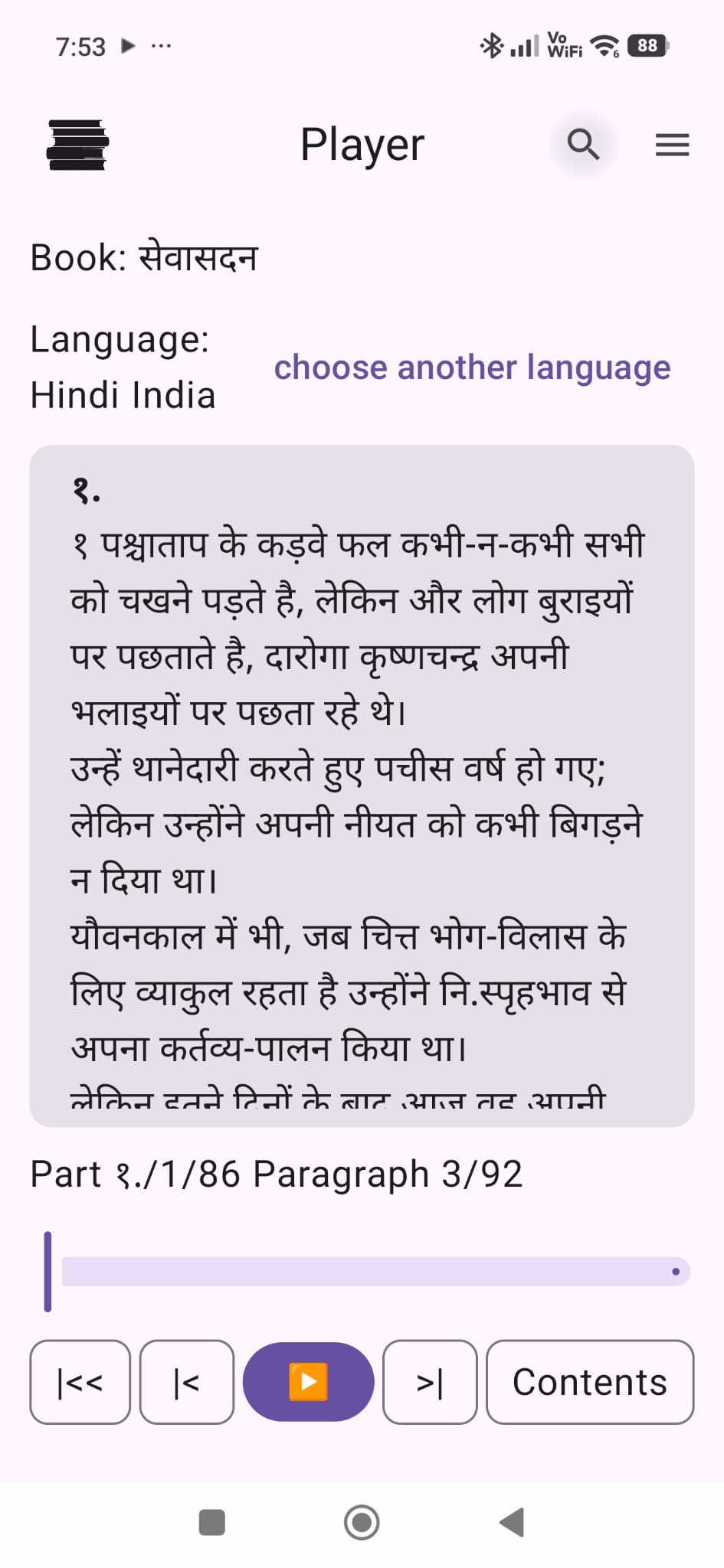
Import a Hindi EPUB, a text-based PDF or another supported document. You can also paste text or share a web article from your browser.
Select an available Hindi India voice marked hi-IN. You can adjust the reading speed and voice pitch for each book.
Continue listening with the screen off and return to your saved position later. Installed offline voices can read local books without internet.
EVR does not provide books or audiobooks. It reads content that you open, paste or share. Online voices may send the text being read to the voice provider.
For Android · Free with ads · No account required